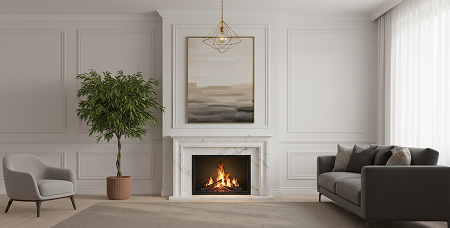
 ✦
✦Interior redesign
Explore a living room, bedroom, kitchen, bathroom, or dining room in a different design direction.
AI room design, from one photo
Room AI turns a photo of your space into fresh visual directions. Try a new interior style, stage an empty room, change the palette, or test a furniture swap before you commit.
For inspiration and visualization. Confirm real-world measurements and specifications.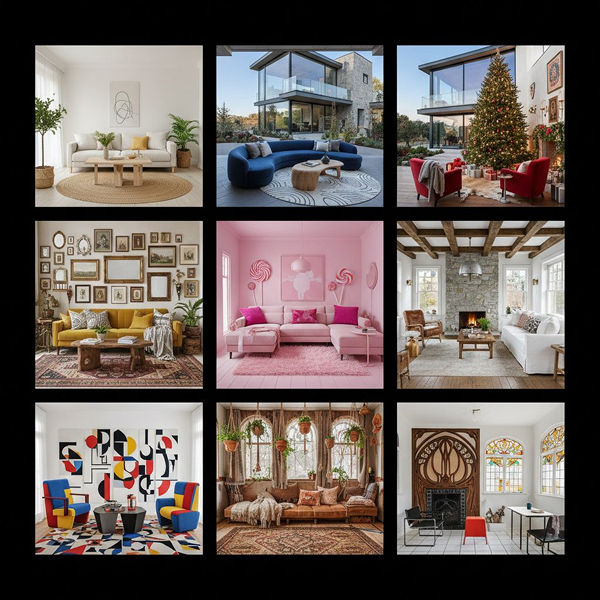
Explore more directions, faster
✦Explore a living room, bedroom, kitchen, bathroom, or dining room in a different design direction.
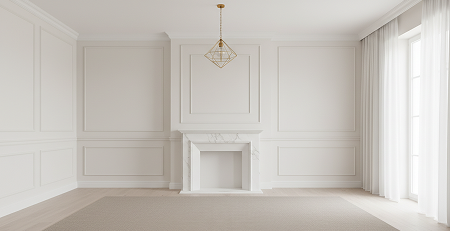 ▣
▣Give an empty space a furnished point of view that helps people picture its potential.
Try a new palette or visualize selected furniture and decor changes without starting over.
Use a reference look for design transfer, or turn a sketch into a detailed visual concept.
How Room AI works
Pick redesign, staging, recoloring, replacement, design transfer, or sketch design.
Use balanced light and include the corners of the space when possible.
Select a room type, design style, or color palette where applicable.
Use the generated visual as a conversation starter for your next decorating decision.
Room design guides
A practical photo-to-concept workflow for comparing styles with confidence.
Read guide →GuideWhen it helps, what it should show, and how to create a useful visual.
Read guide →GuideSimple framing and lighting choices that make visualizations more useful.
Read guide →Questions, answered
Room AI supports interior and exterior redesign, virtual staging, design transfer, sketch-to-render concepts, recoloring, and furniture or decor replacement.
Start with a bright, uncluttered photo that shows the room’s corners and major surfaces. A wide camera view can help capture more of the space.
No. The app is for visual exploration. Use qualified professionals for final plans, measurements, permits, safety, and material decisions.
Your next room starts here